How to Join
Getting started takes less than a minute. Here\'s the path from sign-up to fully engaged member.
Register
Create your account with a username, email and password. It takes 30 seconds.
Build Your Profile
Add your bio, photo, location, favourite brands and interests.
Connect
Browse members, send friend requests, join groups and RSVP to events.
Share
Upload photos to the gallery, write articles and vote in polls.
Earn
Collect badges and milestones as you engage with the community.

Your Home Base
Personal Dashboard
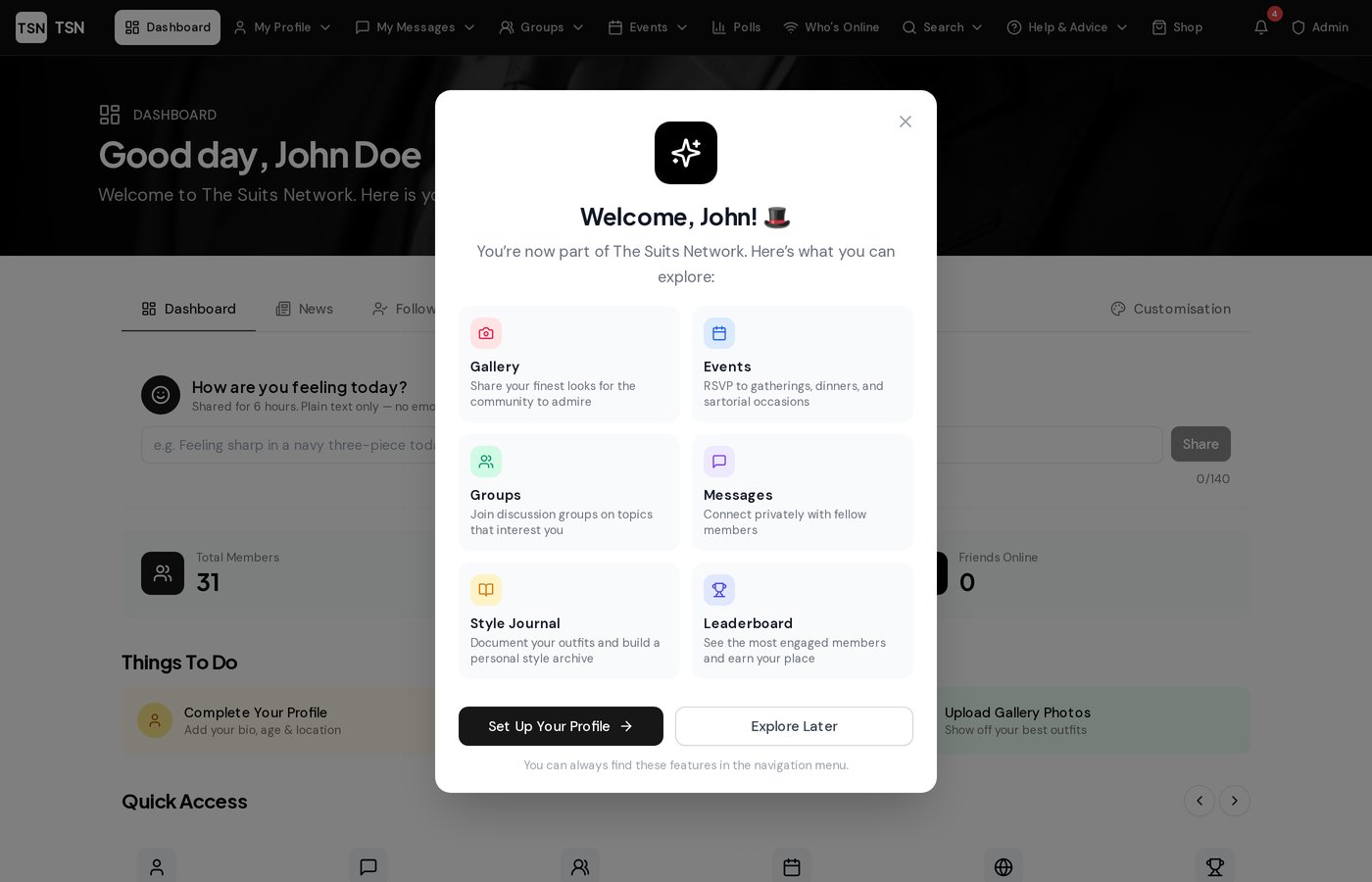
Your personalised overview of the Society. See live member stats, mood updates, quick access links to every section, daily style tips, and a feed of the latest activity — all at a glance.
- Live member count & online now
- Daily style tips from the community
- Quick access to every feature
- Activity feed & news tab
Notifications
Never miss a thing. Receive real-time notifications when someone follows you, reacts to your photos, sends a message, or when you earn a new badge.
- Real-time alerts
- Badge earned notifications
- Friend request alerts
- Unread count on navbar
Mood Widget
Tell the community how you're feeling today. Your mood appears on the dashboard and your profile, visible to other members for 6 hours.
- Share your daily mood
- Visible on your profile
- Auto-expires after 6 hours
- Plain text, no emoji

Connect with Members
Member Directory
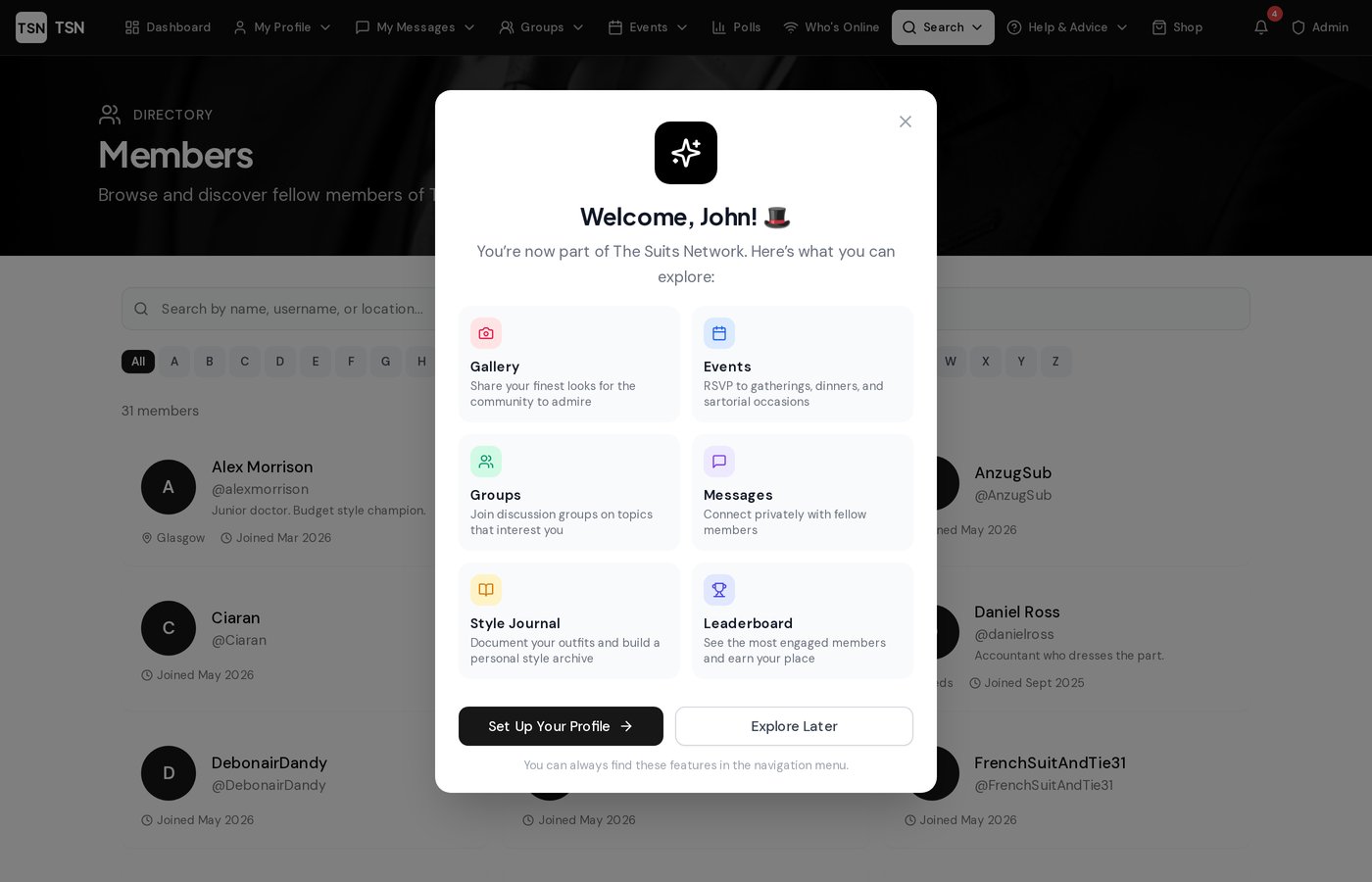
Browse every member of the Society. Search by name, location or interests. Filter A–Z or browse the full list. See who's online and connect instantly.
- A–Z alphabetical filtering
- Search by name or location
- Online status indicators
- Direct profile access
Who's Online
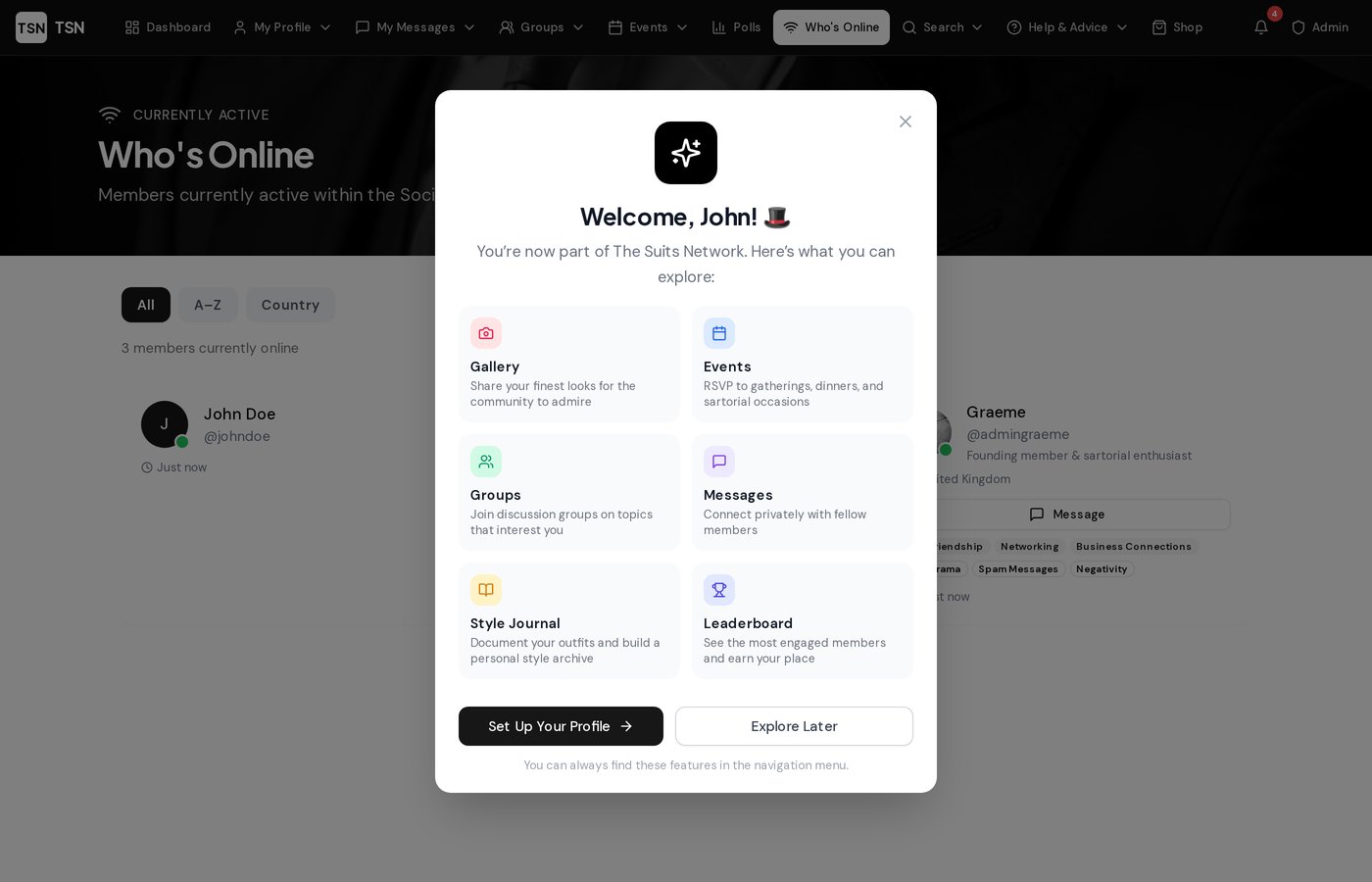
See who's currently active in the Society in real time. Sort by name, filter A–Z, or group by country. View moods, bios and message members directly.
- Real-time presence tracking
- Sort by name or country
- Mood display on cards
- Direct message button
Friends System
Send friend requests, build your circle, and keep track of who's online among your friends. Your Friends Online count sits right on your dashboard.
- Send & accept friend requests
- Friends Online counter
- Mutual friend connections
- Friend list management
Private Messaging
Send direct messages to any member. A full inbox with sent messages, unread badges on the navbar, and real-time conversations.
- Direct member-to-member chat
- Unread message badges
- Sent messages folder
- Accessible from any profile
Follow System
Follow members whose style you admire. Your Following feed on the dashboard shows activity only from people you follow.
- Follow/unfollow any member
- Dedicated Following feed
- Follower & following counts
- Activity from your circle

Share & Showcase
Photo Gallery
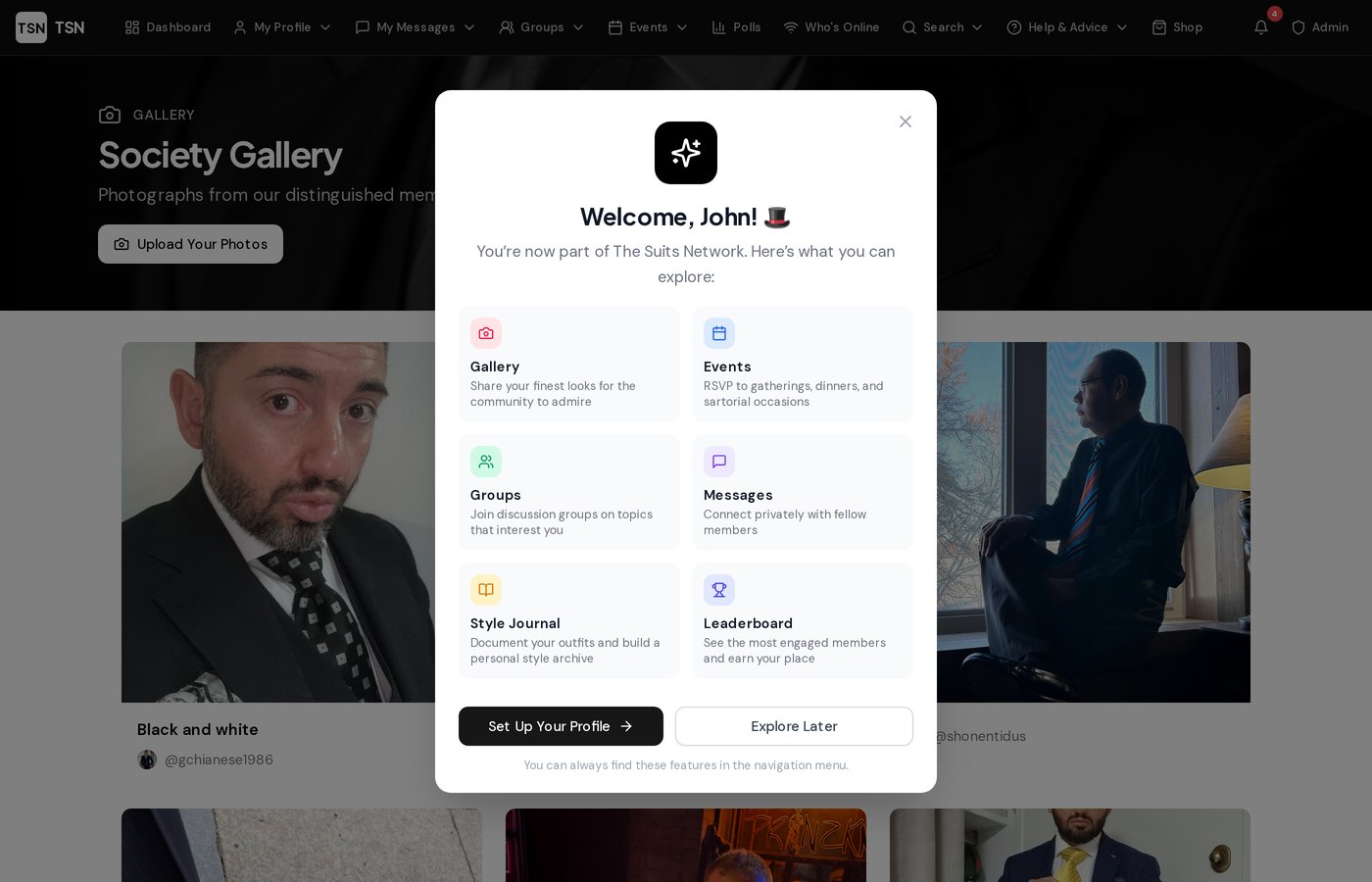
Upload your finest photographs to our curated gallery. Every submission is reviewed by the admin team to ensure the highest standard before being displayed to the community.
- Admin-approved quality control
- Full-screen lightbox viewing
- Upload from your gallery page
- Sartorial reactions on photos
Suit of the Week
Each week, the admin team selects a standout photograph as the Suit of the Week. It's featured prominently on the dashboard — the ultimate accolade.
- Admin-curated weekly pick
- Featured on the dashboard
- Member recognition
- Aspire to be chosen
Articles & Style Guides
Write and publish articles on tailoring, style tips, brand reviews and more. Submit your piece for admin approval and share your knowledge with the community.
- Member-submitted articles
- Admin approval workflow
- Rich text editor
- Author credit & profiles
Sartorial Reactions
React to photos and articles with four bespoke reactions: Dapper 🎩, Sharp ✂️, Distinguished 🏅, and Classic 👔. Let members know what you think of their style.
- Four unique reactions
- React on photos & articles
- See who reacted
- Earn the Well Received badge

Events & Groups
Events Calendar
Discover upcoming gatherings — formal dinners, networking evenings, casual meetups. View events in a list, monthly calendar, weekly view or yearly overview. RSVP with a single click.
- 4 calendar views (list, month, week, year)
- RSVP with one click
- Event photo albums
- Dress code guidance
Groups & Discussion Boards
Join groups that match your interests — Savile Row, Budget Style, Regional Gents and more. Each group has its own discussion board and photo gallery.
- Interest-based groups
- Dedicated discussion boards
- Group photo galleries
- Member lists & activity
Polls & Surveys
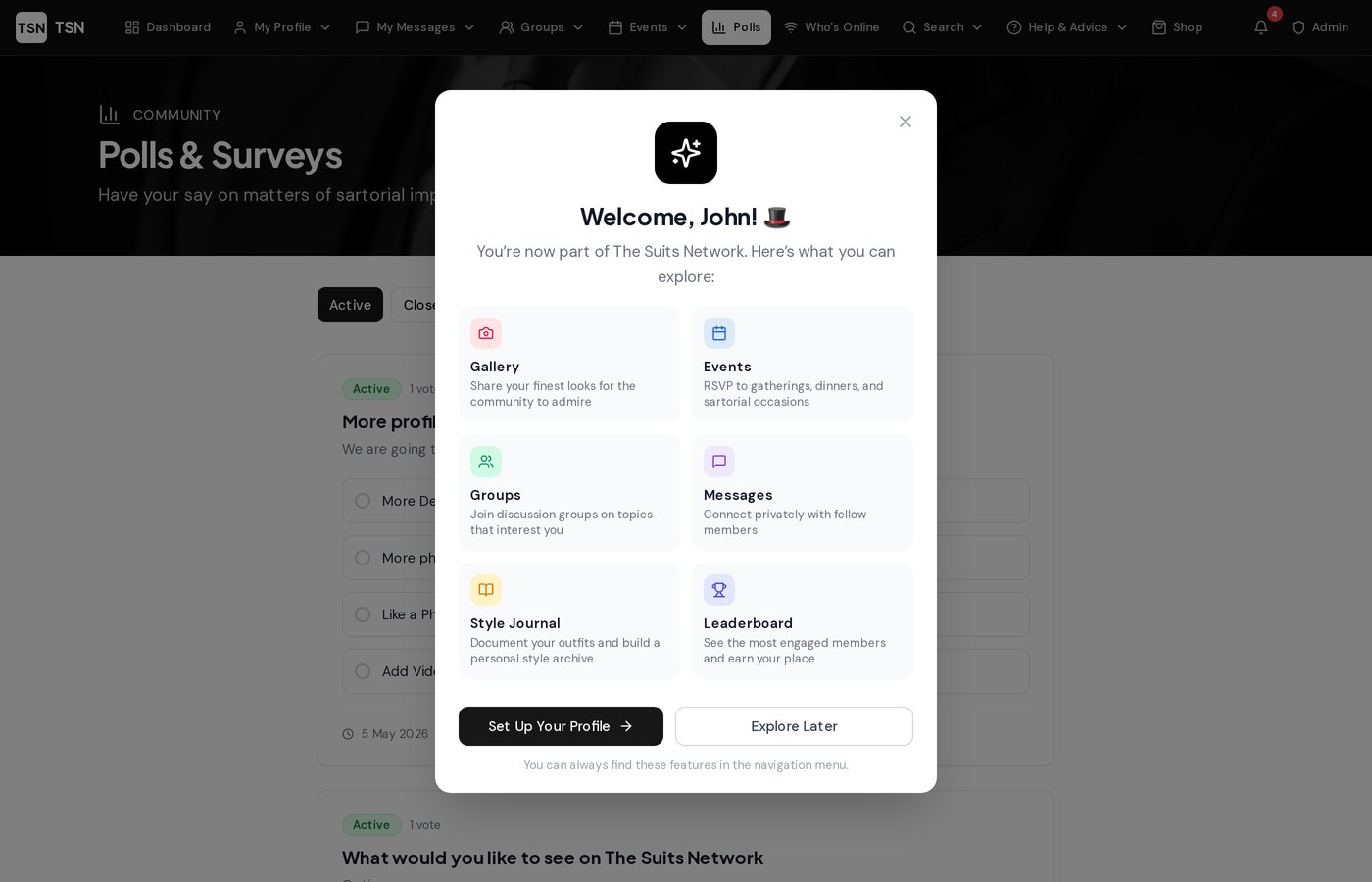
Vote on community polls, have your say on Society decisions, and see how other members voted. Active polls are always visible.
- Community voting
- Multiple choice options
- Live result percentages
- Active poll indicators

Discover & Explore
Advanced Search
Find anything across the Society with our live AJAX search. Results appear as you type — search members, events, articles, groups and polls all at once. Filter by category and see result counts.
- Live results as you type
- Search 5 content types
- Category filter tabs
- Recent search history
News Feed
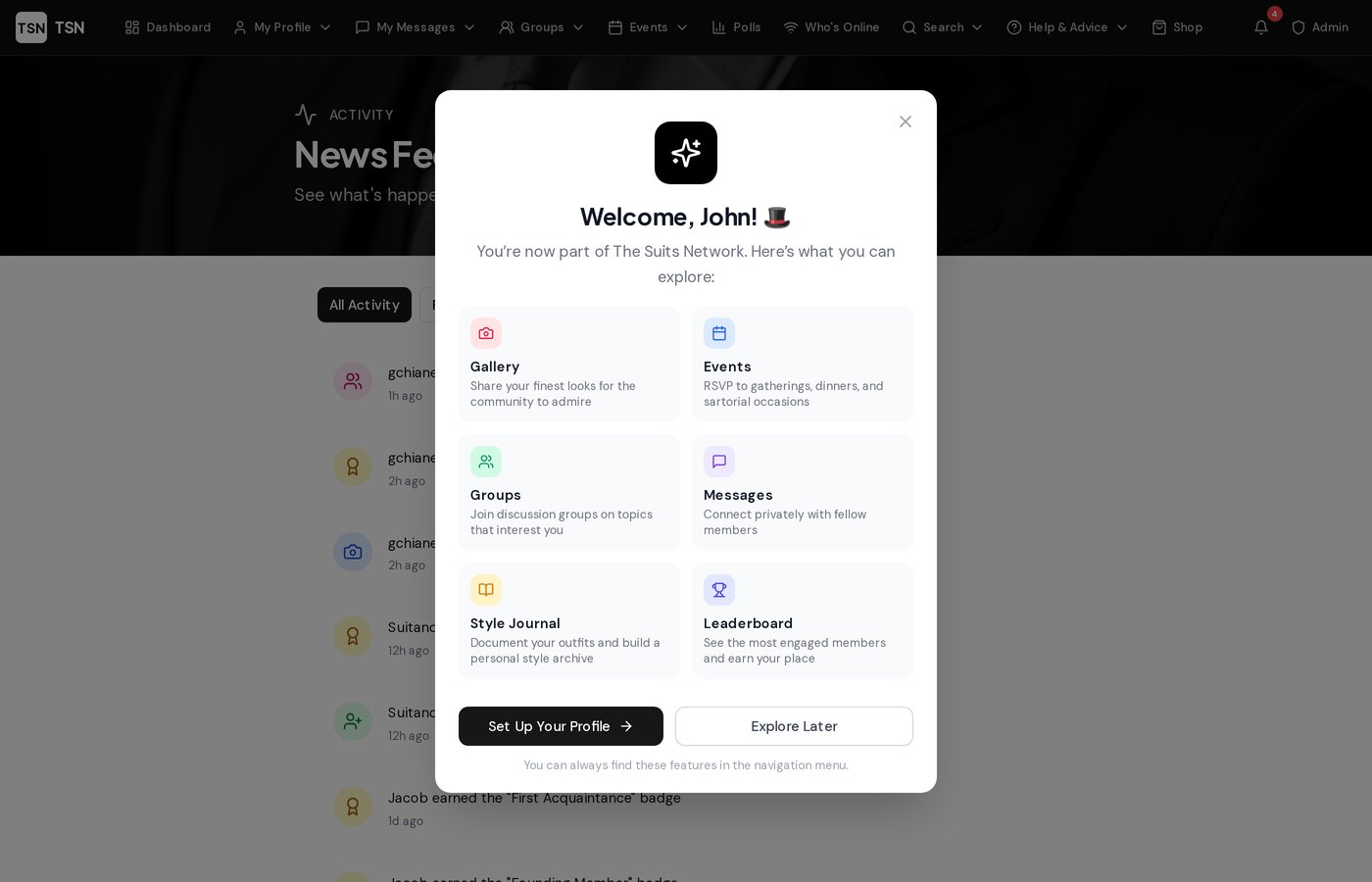
A real-time activity stream showing everything happening in the Society. New members, photo approvals, event RSVPs, badge awards and more. Switch to your Following feed for a personalised view.
- All activity stream
- Following-only filter
- Photo approvals & RSVPs
- Badge award announcements
Daily Style Tips
A new sartorial tip appears on your dashboard every day. Advice on fit, accessories, etiquette and fabrics — curated to keep your wardrobe knowledge sharp.
- Rotating daily tips
- Fit, etiquette & accessories
- Curated by the Society
- Always on your dashboard

Your Profile & Achievements
Rich Member Profiles
Build a detailed profile with your bio, location, appearance details, favourite suit brands, interests, and more. Upload a profile photo and share what you're looking for in the community.
- Bio & mini bio
- Appearance & location details
- Favourite brands & interests
- Looking for & don't like tags
Badges & Milestones
Earn 20 unique badges as you engage with the Society. From your First Friend to Annual Patron, each badge recognises a milestone in your membership journey. Badges appear on your profile.
- 20 unique achievement badges
- Auto-awarded on dashboard visit
- Anniversary milestones
- Profile badge wall display
Colour Schemes
Customise the entire site to match your personal style. Choose from six elegant colour schemes — your preference is saved and persists across sessions.
- Six colour schemes
- Instant live preview
- Saved across sessions
- Transforms the entire site
Carefully Moderated
Every photograph is reviewed by our admin team before being published. Articles go through an approval process. Events and groups are curated to maintain the high standard our members expect. The Society is a place of quality, not quantity.